
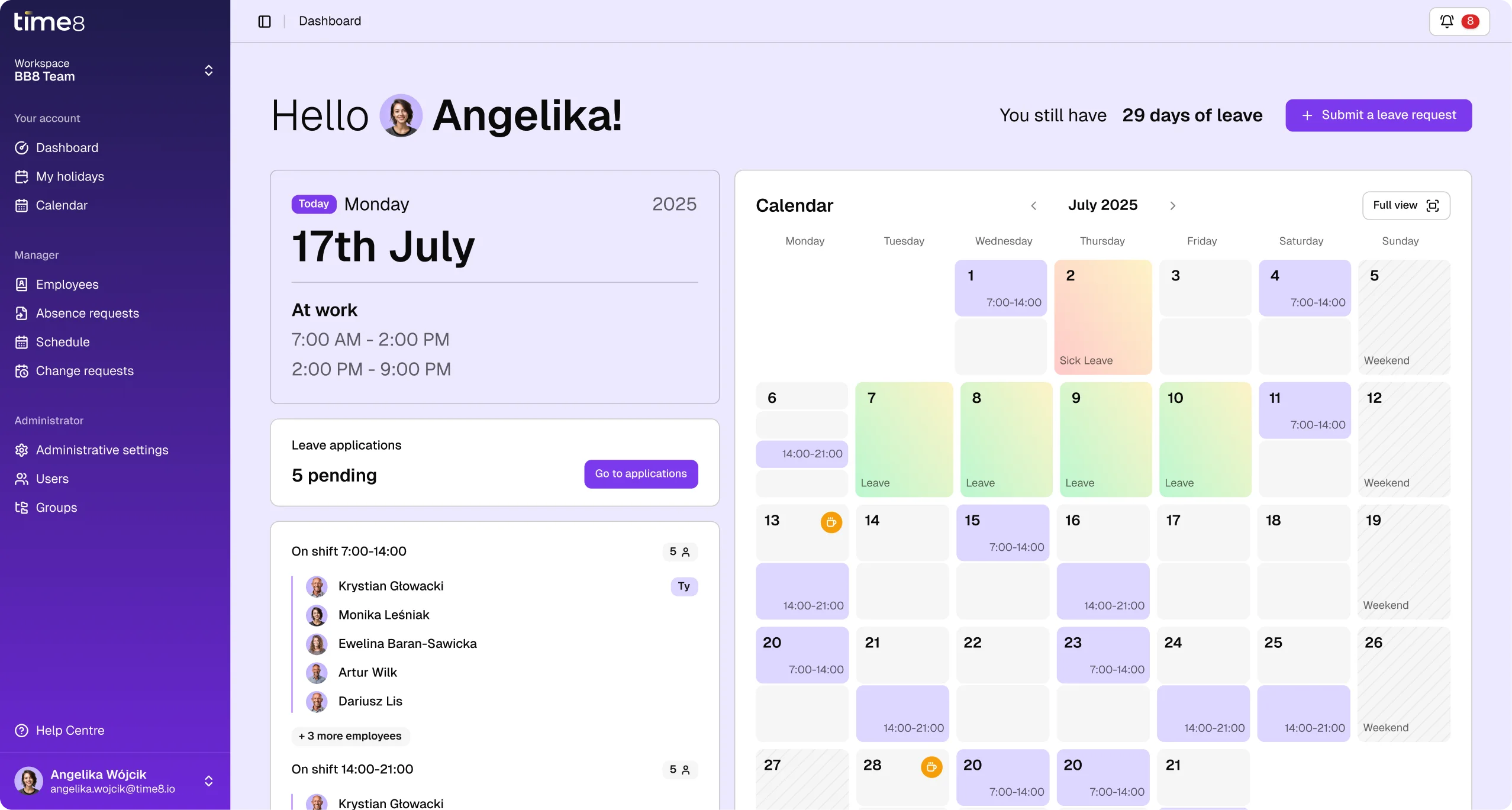
Do you know these everyday situations?
Some of them are yours, others you hear from your team every day. If this is your daily routine, Time8 will help you take control of the schedule and your team's availability.

Wrestling with the schedule in Excel

Who is working when, and with whom?

Sending the schedule over email and chat

No list of employees

Where do I check the current schedule?

How do I request time off?

Counting and settling work time by hand

How many hours do I have this month?

Awkward handling of leave and sick days

How many days off do I have left?
It looks the same in many teams
Time8 organizes team requests and availability. Vacations, timesheets – now everything is in one app.
Get full control over your work schedule


How Time8 works - a few simple steps to success
Pick the tool that fits your needs
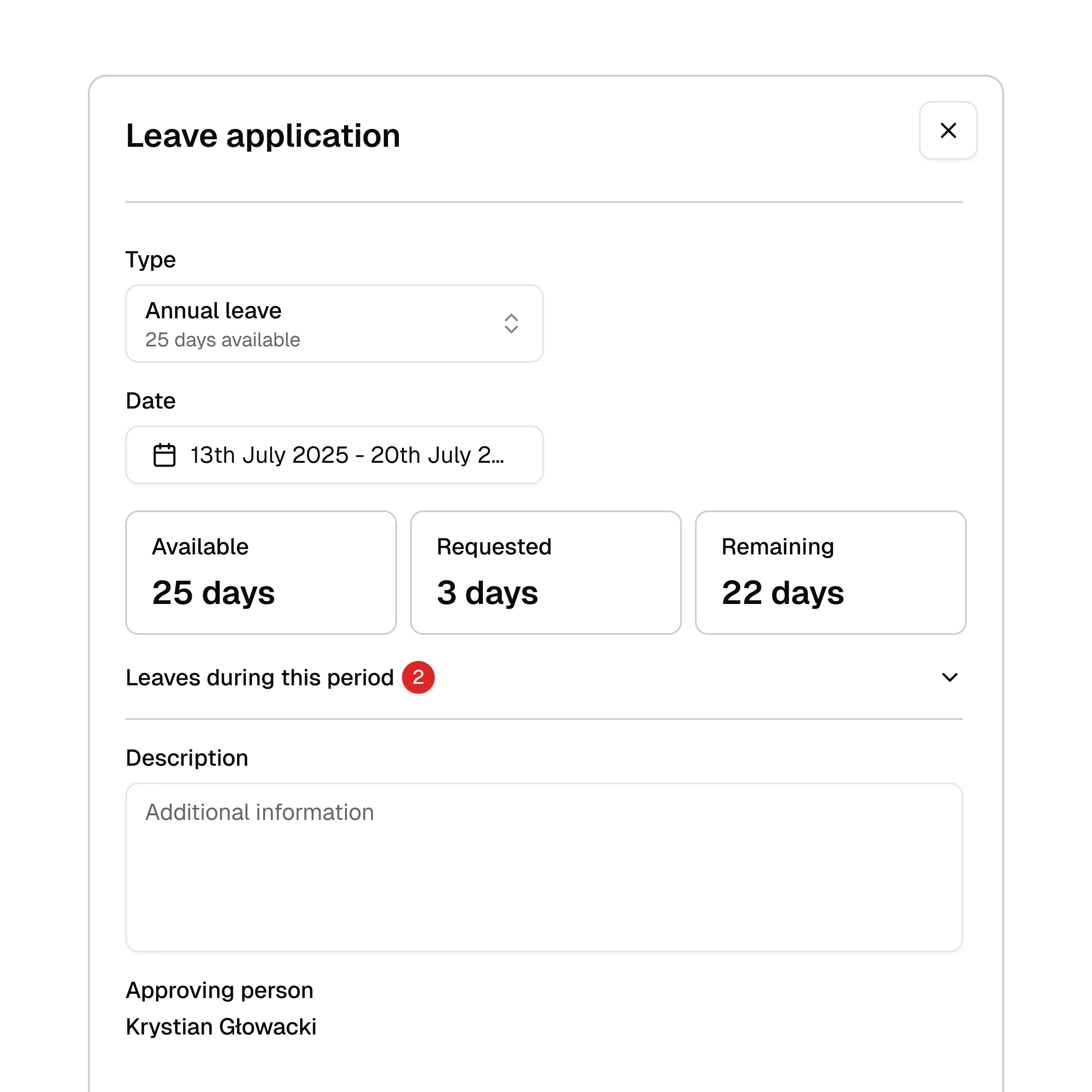
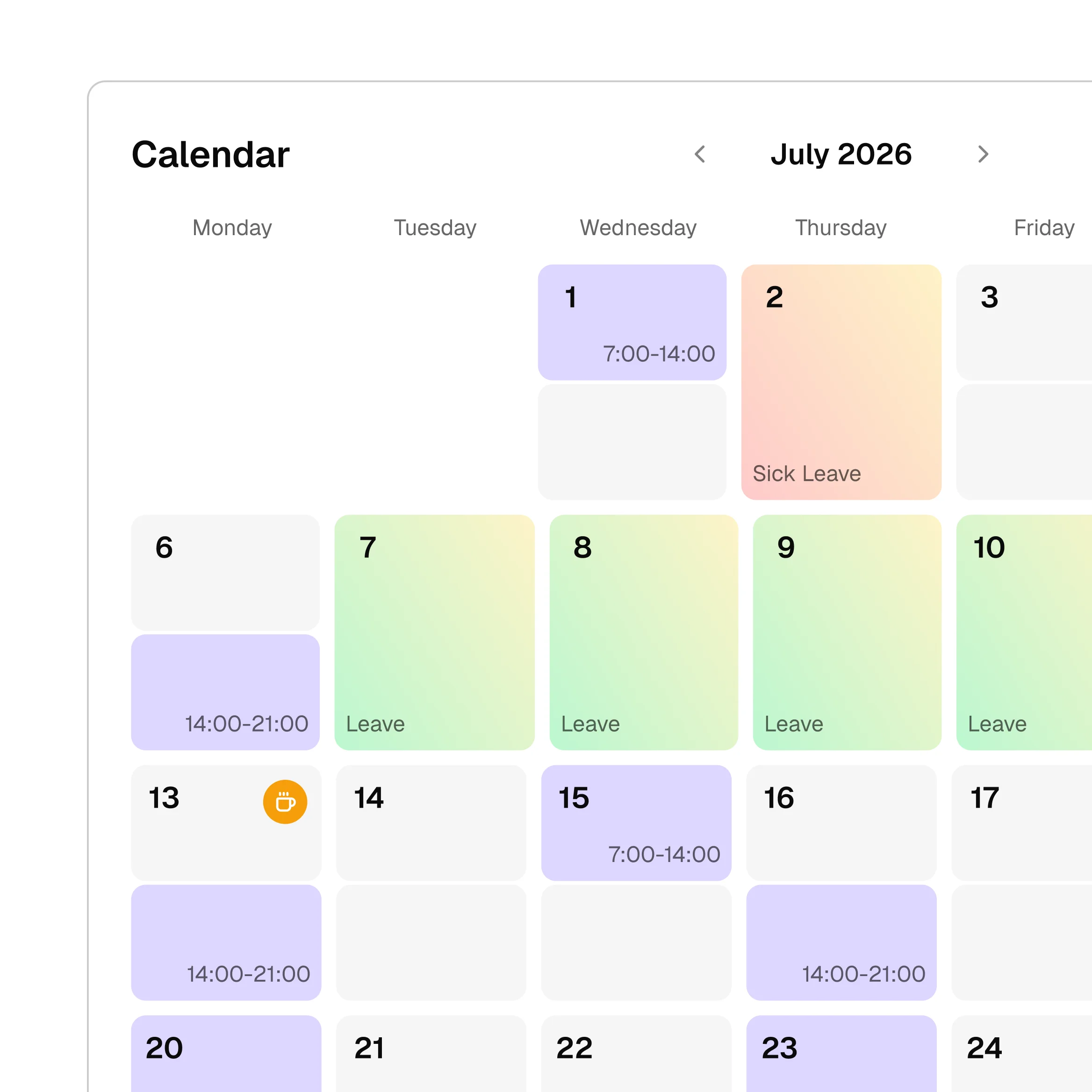
Two modes, one scheduling tool. In Solo you arrange shifts and work time yourself. In Team everyone gets their own access and submits their time off and availability. You start the same way - an account in minutes and 30 days free.
Time8 Solo
Time8 Team
Who it is for
Do you want software just for yourself, or one where employees enter and submit their own time-off requests? In Time8 you decide which management tool you need.
Price
In Solo you pay one flat rate for everything, no matter how many people are on the schedule. In Team you pay for as many users as you create accounts for.
Accounts
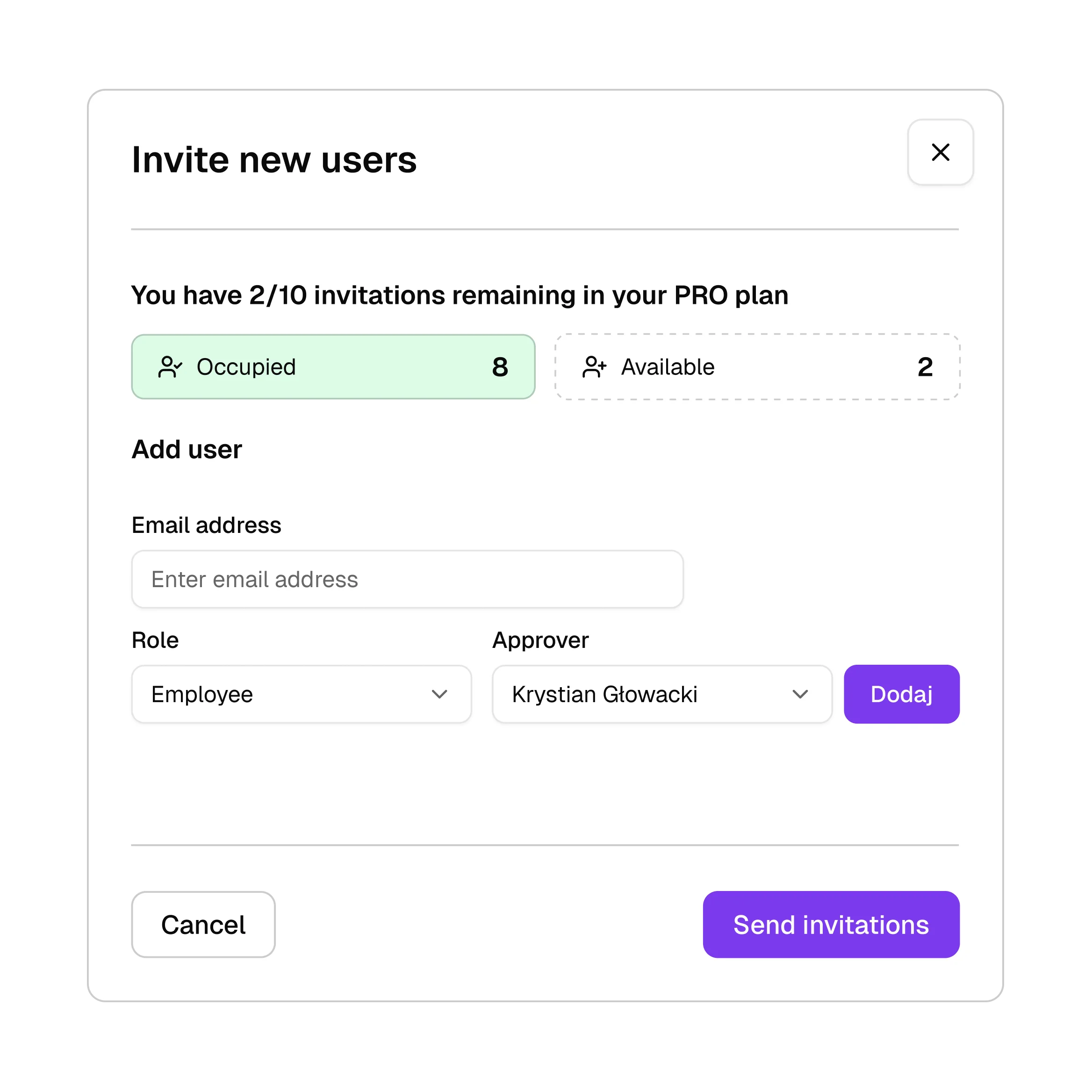
In Solo you have a single account. In Team every employee gets their own access, and you decide who is a manager and who is an employee.
People on the schedule
In both modes you put as many people on the schedule as you want. The number of people never limits you.
30 days free
Both plans start with a full 30 days of testing at no cost. You enter a card at sign-up, and the first payment is taken only after the trial ends.
Simple pricing
Pick the plan that fits your needs. The first 30 days are free!
Frequently asked questions
If you're wondering whether Time8 is right for your team, you'll find specific answers here.
In Solo you run the schedule yourself - employees have no accounts and get the finished schedule by link or in Excel. In Team every employee can have their own account, submit time-off requests and mark their availability. In both plans you are the one building the schedule.
No. You can send them a password-protected link; they open it and check when to come in, without signing in (in the Team plan too). That helps with seasonal staff and anyone who would rather not install anything.
You send a password-protected link or export the schedule to Excel - whichever you prefer. You do not have to change how you share the schedule today. In the Team plan the schedule is also visible to users with Time8 accounts.
In Solo the employee handles nothing - they only receive the finished schedule by link. In Team they have their own account: they see their schedule, their shifts and their leave balance, but they do not edit the schedule itself.
Yes, in the Team plan. The employee submits a time-off request and marks when they can work - as the manager you can approve or reject those requests, with a comment.
